Product identity
Manufacturer SKU, MPN, and model information
Use the manufacturer’s SKU, MPN, model identifier, or configuration code to match the exact equipment and variant.
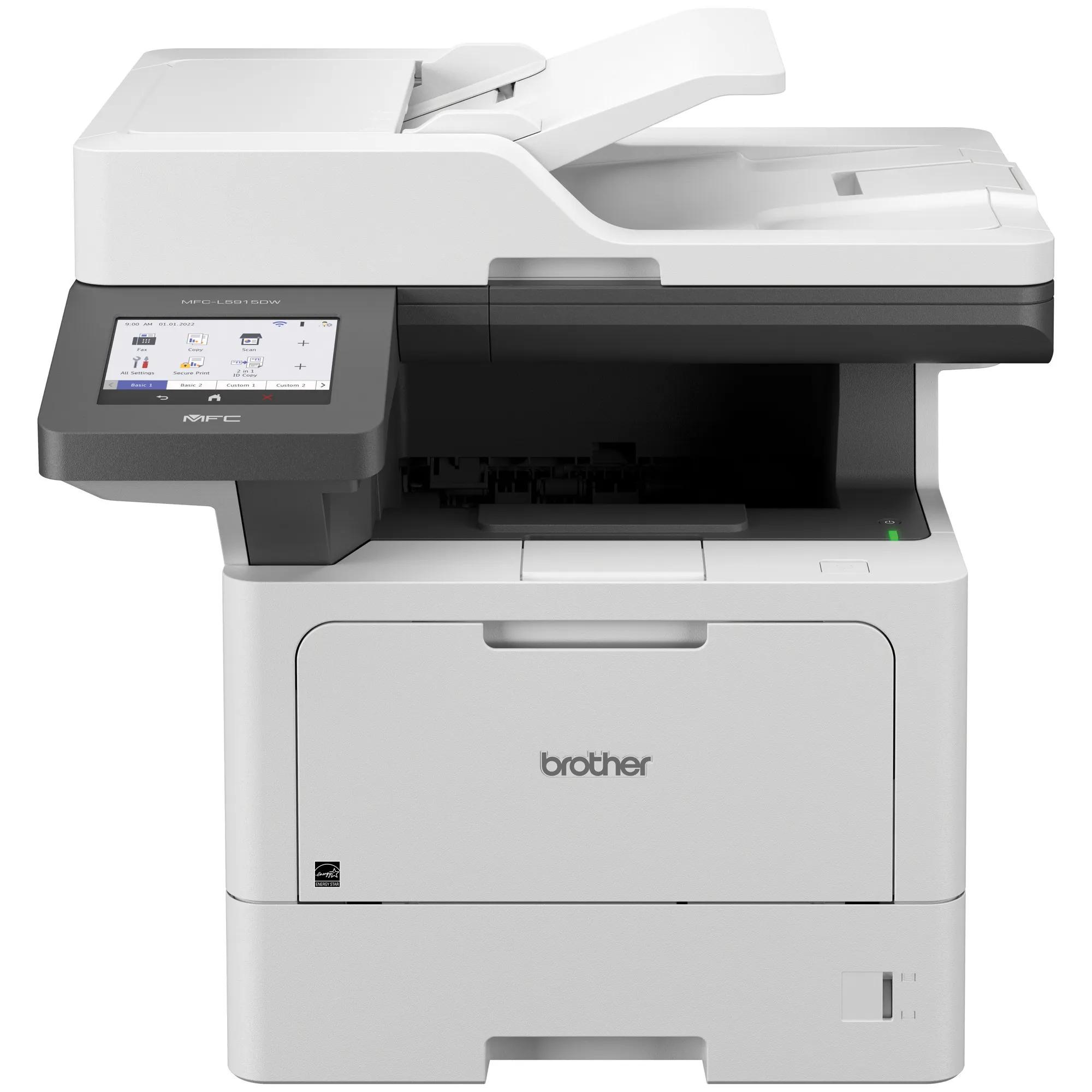
Brother MFC-L5915DW Business Monochrome Laser All-in-One Printer
- Manufacturer identifier
- MFC-L5915DW
- Variant
- Multifunction printer model
- Region
- US / Canada
- Verified
- Official source
- Manufacturer verification
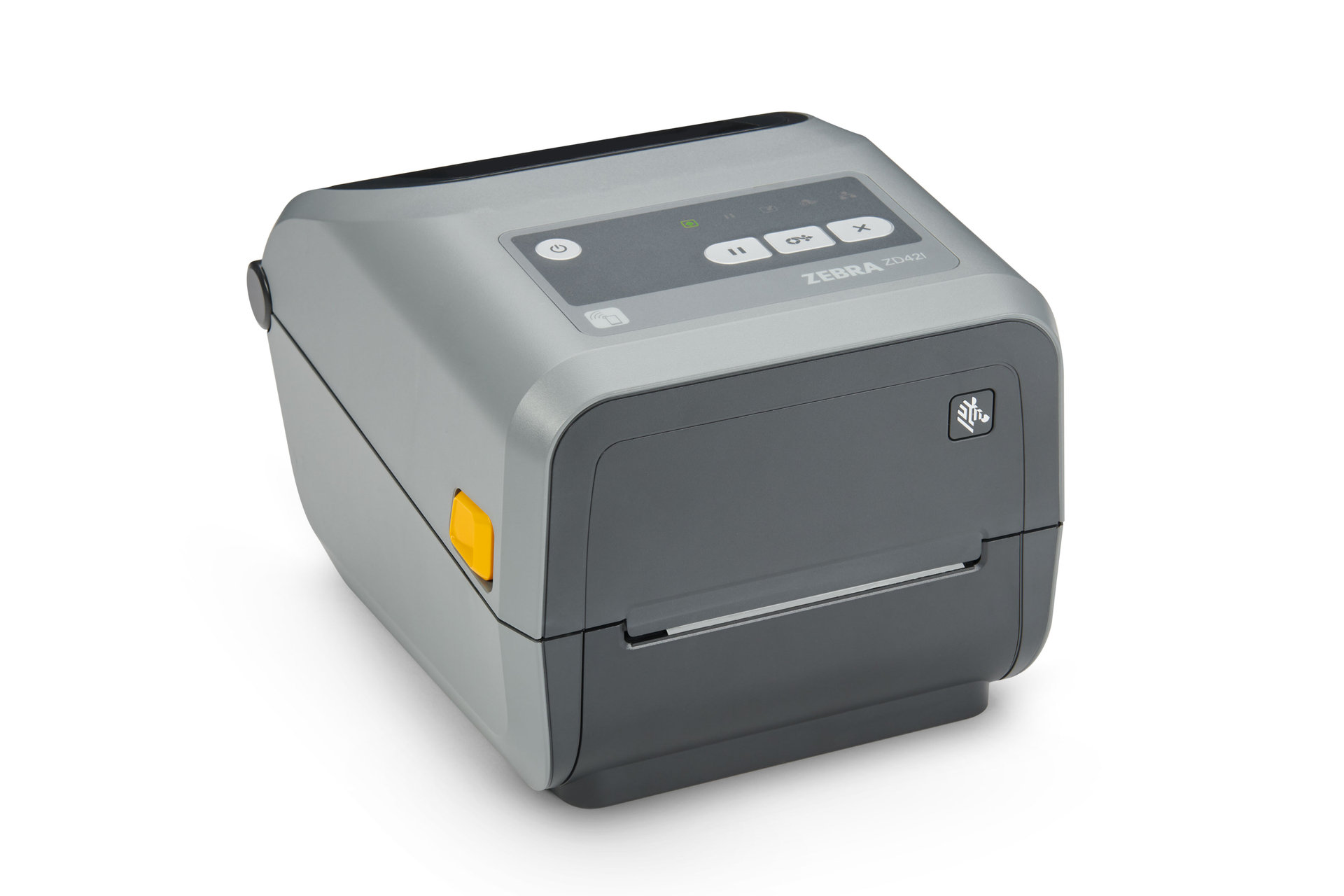
Zebra ZD421 Desktop Printer
- Manufacturer identifier
- ZD4A042-D01M00EZ
- Variant
- Direct thermal, 203 dpi, USB/USB Host, modular connectivity slot, BTLE5
- Region
- US
- Verified
- Official source
- Manufacturer verification
- Manufacturer identifier
- ZD4A042-301M00EZ
- Variant
- Thermal-transfer roll, 203 dpi, USB/USB Host, modular connectivity slot, BTLE5
- Region
- US
- Verified
- Official source
- Manufacturer verification
- Manufacturer identifier
- ZD4A042-301E00EZ
- Variant
- Thermal-transfer roll, 203 dpi, USB/USB Host, Ethernet, BTLE5
- Region
- US
- Verified
- Official source
- Manufacturer verification
- Manufacturer identifier
- ZD4AH43-301E00EZ
- Variant
- Healthcare thermal-transfer roll, 300 dpi, USB/USB Host, Ethernet, BTLE5
- Region
- US
- Verified
- Official source
- Manufacturer verification
Ricoh fi-8170 Image Scanner
- Manufacturer identifier
- PA03810-B055
- Variant
- US scanner unit
- Region
- US
- Verified
- Official source
- Manufacturer verification
Start with the work that enters and leaves the system
A document device should be selected for a complete path. An office printer turns a file into a usable page. A label printer must produce a code that scans and remains appropriate for the application. A scanner must create a readable file in the right destination.
These outcomes require different evaluation material. A standard text page says little about a barcode label, and a scanner's fastest uniform-paper test says little about a mixed packet with folds, receipts or poor originals.
Identify the ordinary job, the difficult job and the peak queue. That set is a more useful procurement benchmark than comparing the largest speed or resolution number across unrelated devices.
Choose the device class before the brand
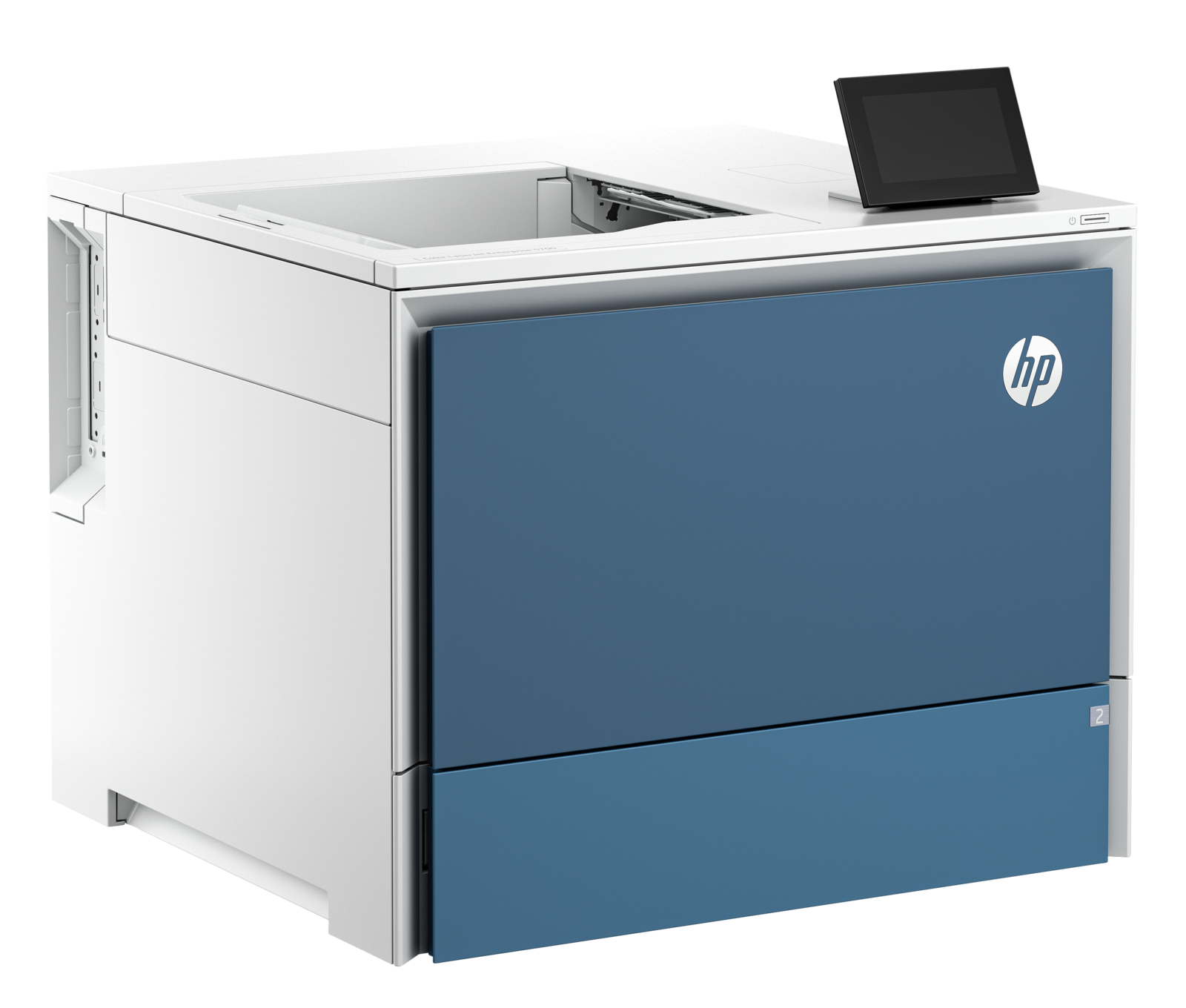
The Brother and HP are not interchangeable because one includes capture and the other is print-only. Likewise, a desktop label printer should not be evaluated as a smaller office printer.
Consolidation can simplify purchasing and support, but separate devices can prevent one long job from blocking another workflow. Decide from the work queue rather than assuming either arrangement is inherently better.
| Primary job | Candidate direction | Decision that matters |
|---|---|---|
| Monochrome office work with capture | Brother MFC-L5915DW | Integrated printing, copying and scanning |
| Departmental color output | HP Color LaserJet Enterprise 5700dn | Color printing, with capture handled separately |
| Desktop barcode and business labels | Zebra ZD421 | Correct print technology, media and interface variant |
| Regular sheet-fed document capture | Ricoh fi-8170 | Original handling, capture software and destination workflow |
Printer speed needs a document-quality check
Independent Brother testing supports a fast text-heavy role while finding graphics less convincing. That distinction is useful when an office mainly prints forms and correspondence but occasionally expects polished graphical output.
For the HP color printer, evaluate the actual color documents and the intended monthly volume. Recommended operating ranges are more informative than treating the maximum duty cycle as a normal target.
On either device, inspect the first page and the complete job. Staff experience includes application preparation, warm-up, paper handling and interruptions. A rated engine speed cannot account for all of those stages.
Labels introduce a media and configuration problem
The ZD421 family includes direct-thermal and thermal-transfer configurations, with distinct ribbon arrangements and resolution options. The exact model should match the media and the label's intended life and environment.
Calibration, print darkness and the application template affect the result. A label that looks acceptable to a person can still scan poorly if the barcode dimensions, contrast or placement are unsuitable.
Use the real media, application and downstream reader during acceptance. Also test a media change and recovery from an ordinary feed problem. The value of a label printer is consistent usable labels, not merely a successful first demonstration.
Scanning should end with a usable file
The fi-8170 combines a substantial feeder and duplex capture with a software environment that needs its own compatibility and entitlement check. Its USB and network paths should be evaluated for the intended operating system and management arrangement.
Independent tests show why capture speed and resulting file quality are separate measurements. Optical character recognition can still miss words, and color rendering or unusual originals can expose limitations that a uniform stack does not.
Test whether the destination receives the right format, order, orientation and searchable content. A fast scanner can leave staff doing manual cleanup if the application workflow is poorly configured. The complete batch-processing time is the useful productivity measure.
Consumables and intervention determine the long-term result
High-yield toner is not necessarily the cartridge included with a printer, and a separate drum creates another replacement event. Cartridge-electronics restrictions also affect which supplies a device supports.
Labels add media and ribbon choices; scanners add wear items and cleaning requirements. Record who notices declining output or feed quality and who can restore it before the queue becomes disruptive.
Choose the equipment that completes the actual work with predictable quality and manageable intervention. A trial using representative jobs, consumables and destinations provides a stronger purchasing basis than a ranking built from maximum specifications.
Onsite installation support
Need help deploying the technology you select?
Cartennas provides onsite installation, replacement, connectivity checks, and Smart Hands support for business print and scanning equipment across the United States.
Request Installation SupportCartennas assessment
Select the device class from the complete document path. Validate real pages, labels and originals, then compare usable throughput, supported consumables and the effort required to keep work moving.
Cartennas buying analysis grounded in exact product configurations, manufacturer documentation and available firsthand operating evidence. Review methodology. Cartennas provides product procurement and onsite services. Product review terms.
Official manufacturer information
Confirm the exact model, specifications, licensing, warranty, and support terms directly with the manufacturer.
- Brother: MFC-L5915DW specifications and compatibility notes
- Brother: MFC-L5915DW product brochure
- HP: Color LaserJet Enterprise 5700dn US product specifications
- HP: 5700dn security specifications
- Zebra: ZD400 series specifications
- Zebra: ZD421 support and calibration procedures
- Zebra: Erroneous ribbon cartridge faults
- Ricoh PFU: fi-8170 US product specifications
- Ricoh PFU: fi-8170 operation modes
- Ricoh PFU: Multi-OS driver support
Product information was checked on September 5, 2026. Specifications, licensing, warranty, availability, and pricing can change.