A 6 GHz rollout guide for choosing Wi-Fi 6E APs based on radio design, client readiness, PoE, multigig backhaul, and regulatory constraints.
This page assesses published product evidence. How Cartennas evaluates products.
Product images are shown for illustration and identification purposes only. Appearance, included accessories, and configurations may vary by exact model.
Cartennas may procure, resell, install, and support products discussed in this Resource Center. This evaluation is independent editorial analysis, not manufacturer-sponsored content, a product warranty, or a guarantee of suitability. Verify the exact product and deployment requirements before purchase. Read the Product Review Disclaimer.
Product identity
Manufacturer SKU, MPN, and model information
Use the manufacturer’s SKU, MPN, model identifier, or configuration code to match the exact equipment and variant.
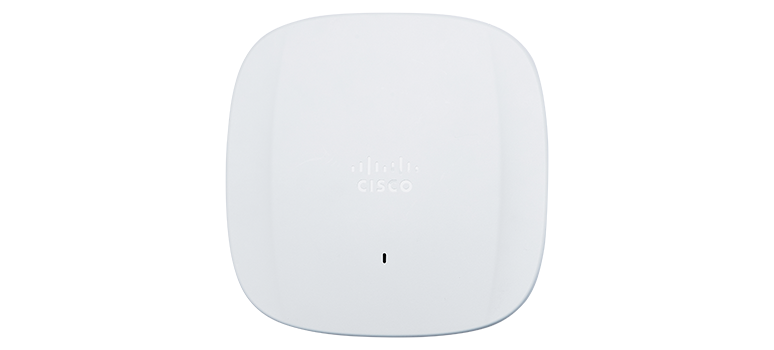
Cisco Catalyst 9166I / CW9166I Access Point
- Manufacturer identifier
- CW9166I-MR
- Variant
- Omnidirectional indoor AP, Meraki management; license required
- Region
- Confirm deployment-country approval
- Verified
- Official source
- Manufacturer verification
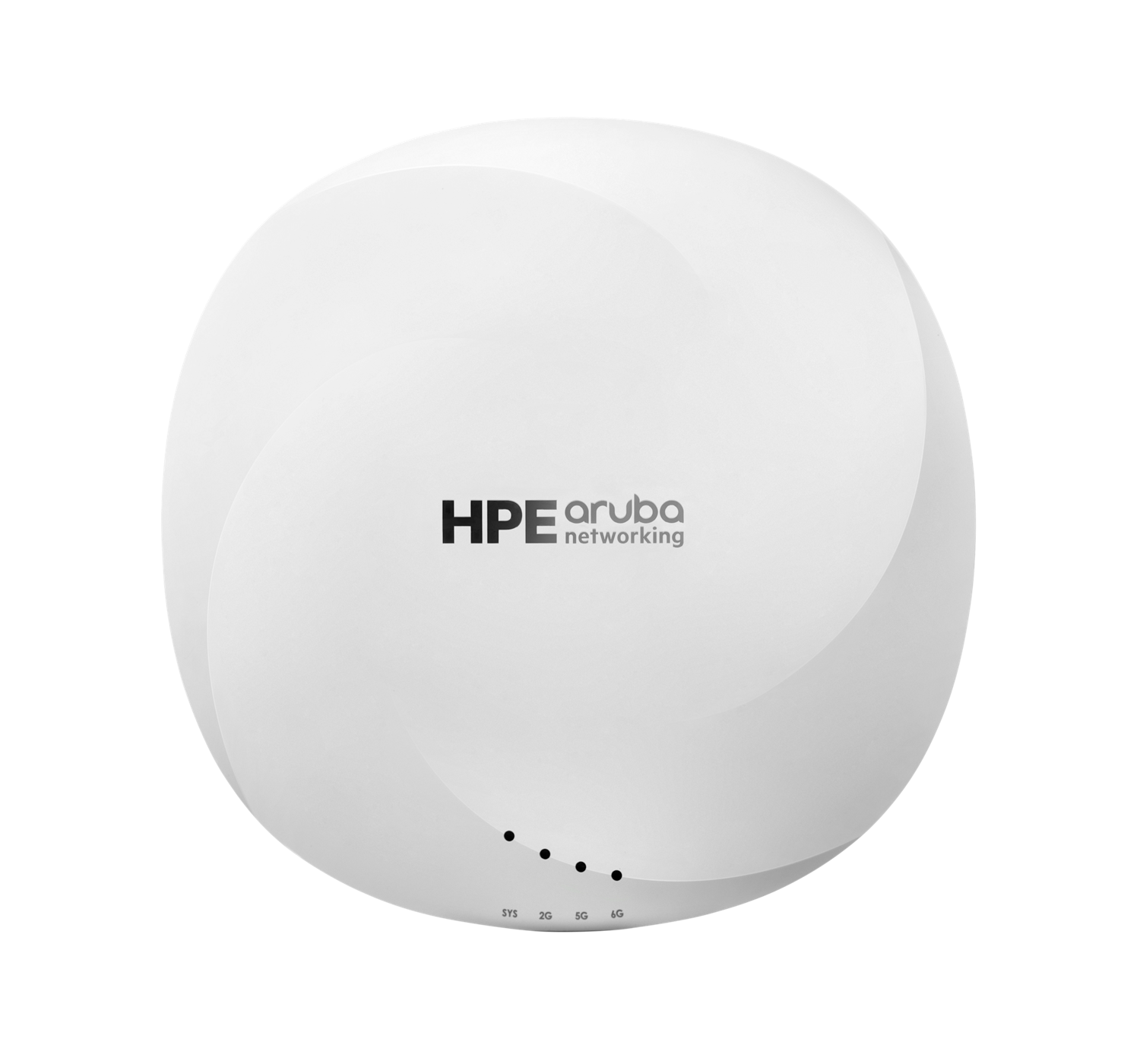
HPE Aruba Networking AP-635 (R7J28A)
- Manufacturer identifier
- R7J28A
- Variant
- AP-635 US, internal antennas
- Region
- US
- Verified
- Official source
- Manufacturer verification
HPE Aruba Networking AP-615-US Dual Radio Tri Band 2x2 Wi-Fi 6E Campus AP
- Manufacturer identifier
- R7J50A
- Variant
- AP-615-US, internal antennas, non-TAA campus AP
- Region
- US
- Verified
- Official source
- Manufacturer verification
What to evaluate before buying
Business technology should be evaluated as part of an operating environment, not as an isolated list of specifications. For Enterprise Wi-Fi 6E Access Point, the research must establish the intended location, surrounding network and power design, management responsibility, compatibility requirements, support expectations, and what an onsite technician will need during installation or replacement.
This analysis concentrates on the questions that affect implementation and long-term support. Exact specifications can vary by model, configuration, software release, and subscription, so the final bill of materials should always be checked against the official manufacturer information linked below.
Key planning considerations
- 6 GHz-capable client share
- Channel width and reuse
- PoE and multigig uplink
- Management and security ecosystem
These items should be confirmed before equipment is shipped to a business location. A technically compatible product can still create delay when rack space, cabling, power, licenses, mounting hardware, or remote-management access are discovered only after the onsite work begins.
Where it fits
Healthcare, government, and enterprise campuses adding clean 6 GHz capacity without moving immediately to Wi-Fi 7.
Organizations with multiple locations should also consider whether the product can be standardized across different site sizes. Consistent configurations, accessories, labeling, documentation, and management reduce the variation that makes distributed support harder and more expensive.
Potential strengths
- Two current-catalog anchors
- Generation-specific guidance
- Connects RF and wired prerequisites
Limitations to examine
- Legacy clients gain no direct 6 GHz benefit
- 6 GHz range differs from lower bands
- Local regulations affect available channels
Installation and support perspective
Before installation, confirm the exact model number, required software or subscriptions, included accessories, mounting method, electrical requirements, cabling, uplinks, and any dependency on an existing management platform. Document the intended configuration and acceptance checks so the onsite work can be completed and verified consistently.
For ongoing support, record serial numbers, warranty status, licenses, configuration ownership, replacement procedures, and escalation contacts. Multi-location organizations benefit from a repeatable standard that tells both internal IT and onsite personnel what should be present at every location.
Onsite installation support
Need help deploying the technology you select?
Cartennas provides onsite installation, replacement, mounting, cabling, and Smart Hands support for business Wi-Fi equipment across the United States.
Request Installation SupportAlternatives worth comparing
- Wi-Fi 7 AP rollout
- 5 GHz density optimization
- Phased 6E deployment in high-demand zones
An alternative is not automatically better because it has more features or a lower hardware price. Compare the entire operating model, including management, subscriptions, staff familiarity, support, spare strategy, migration work, and consistency with equipment already deployed.
Cartennas assessment
Enterprise Wi-Fi 6E Access Point should be shortlisted when its platform, configuration, and support model match the intended business environment described above. The final decision should be based on the exact model and deployment design, not only the family name or a third-party listing.
Cartennas can support approved onsite installation, replacement, cabling, physical verification, and remote-team-directed work across U.S. business locations. Product selection and technical design remain subject to the customer’s requirements and the manufacturer’s current documentation.
Official manufacturer information
Confirm the exact model, specifications, licensing, warranty, and support terms directly with the manufacturer.
- cisco.com: Product documentation
- cisco.com: Product documentation
- buy.hpe.com: Product documentation
- buy.hpe.com: Product documentation
- hpe.com: Product documentation
- hpe.com: Product documentation
Product information was checked on September 2, 2026. Specifications, licensing, warranty, availability, and pricing can change.