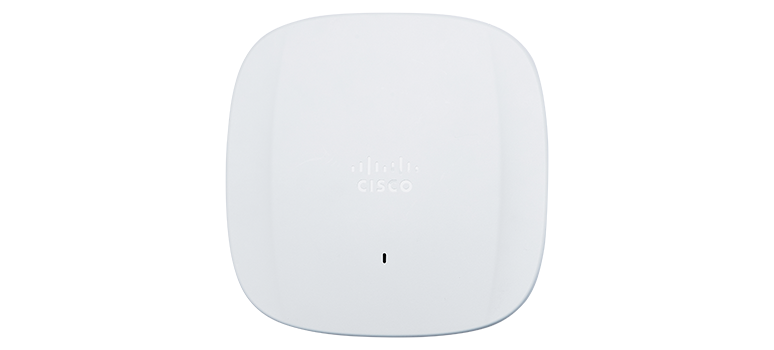
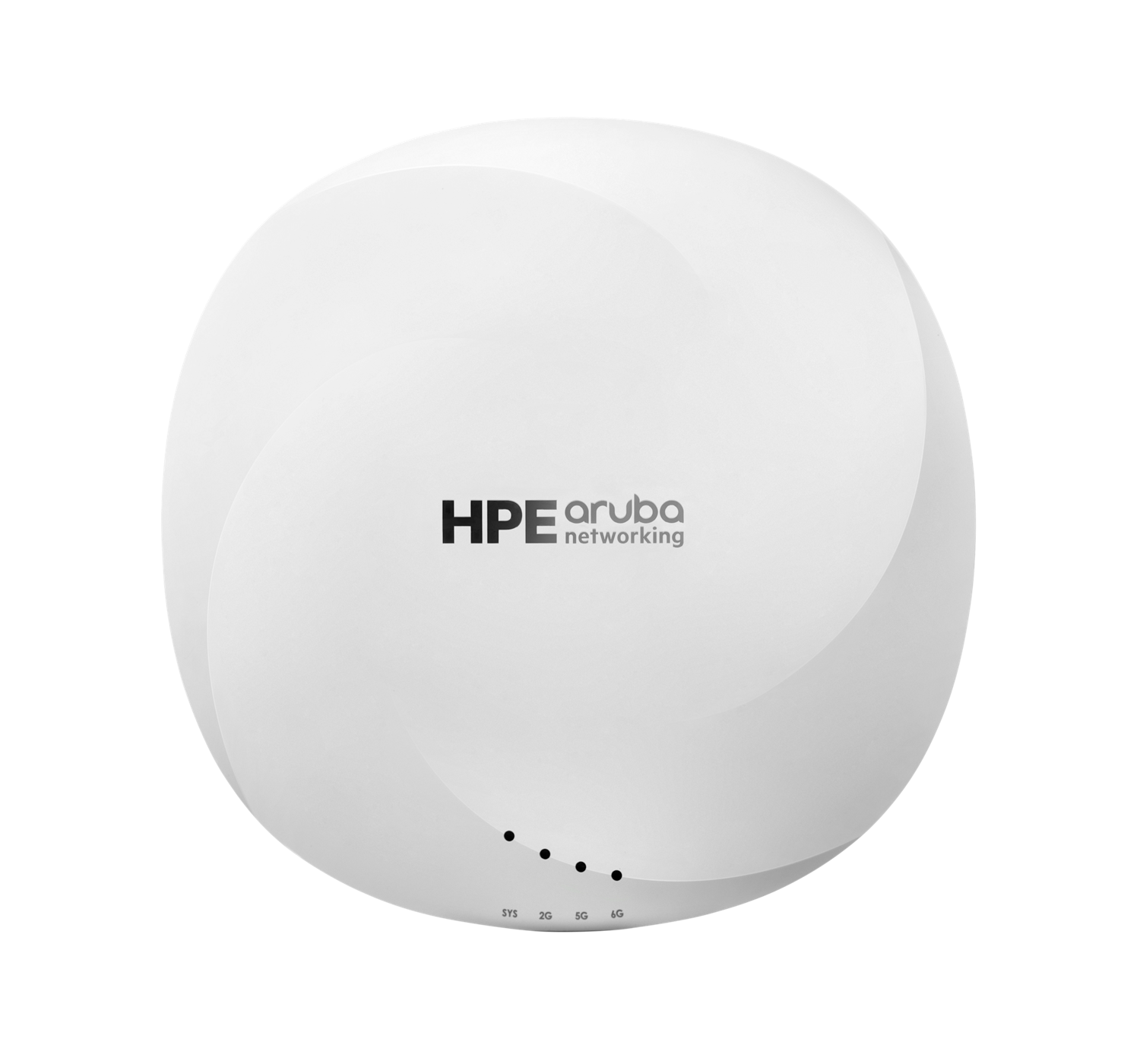
Product identity
Manufacturer SKU, MPN, and model information
Use the manufacturer’s SKU, MPN, model identifier, or configuration code to match the exact equipment and variant.
Ubiquiti UniFi U7 Pro (U7-Pro)
- Manufacturer identifier
- U7-Pro
- Variant
- Canonical model/display SKU
- Region
- Global
- Verified
- Official source
- Manufacturer verification
- Manufacturer identifier
- U7-Pro-US
- Variant
- Single-unit storefront variant
- Region
- US
- Verified
- Official source
- Manufacturer verification
TP-Link Omada EAP773
- Manufacturer identifier
- EAP773
- Variant
- BE11000 ceiling-mount Wi-Fi 7 access point
- Region
- US
- Verified
- Official source
- Manufacturer verification
The wired difference is real, but its value is conditional
The EAP773's faster Ethernet interface is its clearest hardware distinction in this comparison. It can matter when several capable clients generate enough local traffic to pressure a 2.5GbE connection. It is less persuasive when most sessions are constrained by a slower internet circuit.
Both products combine the capabilities of several radios in their headline wireless ratings. Those totals are not a speed guarantee for a single laptop. The client, available spectrum and application path remain part of every performance result.
| Decision | UniFi U7 Pro | Omada EAP773 |
|---|---|---|
| Bands | 2.4, 5 and 6GHz | 2.4, 5 and 6GHz |
| Radio arrangement | 2×2 per band | 2×2 per band |
| Maximum Ethernet link | 2.5GbE | 10GbE |
| Operating environment | UniFi Network | Omada |
| Power procurement | Match current Ubiquiti specification | Match current US revision; older reviews differ |
The tests answer different questions
A firsthand U7 Pro test used a Wi-Fi 7-capable Pixel and an older iPhone against a local multigigabit server. The newer client benefited more from the new AP. That supports upgrading alongside capable endpoints rather than expecting every device to improve equally.
Detailed EAP773 testing found more than 2Gbps at close range on 6GHz with the tested firmware, while longer-distance and mixed-client tests showed different limits. Strong bulk throughput did not always produce equally strong latency under concurrent load.
These were different test arrangements, so Cartennas would not rank the APs by placing their best numbers side by side. The combined evidence is useful because it identifies two separate acceptance questions: can the important client use the new radio, and does the AP maintain responsive applications under the intended load?
Changing management platforms has an operating cost
A UniFi site gains continuity by adding the U7 Pro to an environment its staff already know. An Omada site gains the equivalent benefit from the EAP773. The existing monitoring, configuration and escalation practices are part of the purchase value.
Introducing a second platform can be justified by a capability the first cannot provide, but the gain should be measurable. Otherwise the organization adds another set of firmware decisions, administrator access and troubleshooting procedures for little user benefit.
For a new deployment, compare the supported workflow directly. The technician who replaces an AP and the administrator who investigates a roaming problem should be able to identify the unit, its configuration and the next action without relying on a particular person's memory.
Power and client behavior can overturn a paper comparison
Older EAP773 reviews describe power expectations that differ from current US specifications, which list 802.3at PoE. The delivered hardware revision and regional documentation should control the installation. A purchase based on an old review can overstate or misunderstand the switch requirement.
Early U7 Pro operating discussions contain both difficult mixed-client experiences and reports of stable deployments. Those accounts do not prove a current defect across the model. They do justify including the site's important older devices in a qualification period.
Cartennas would test the actual scanners, phones and laptops, including roaming and reconnects. A dashboard showing association is not enough when the device still cannot complete its transaction or call.
Our recommendation follows the traffic and the existing platform
Favor the EAP773 when the deployment can use its additional wired headroom and the Omada operating model fits the team. That case is strongest for substantial local transfers and several capable clients, with a suitable switch path.
Favor the U7 Pro when UniFi continuity matters and a 2.5GbE connection is sufficient for measured demand. If the existing wireless system already meets the application requirement, a client refresh or capacity constraint may be a better trigger for replacement than Wi-Fi 7 availability alone.
Onsite installation support
Need help deploying the technology you select?
Cartennas provides onsite installation, replacement, mounting, cabling, and Smart Hands support for business Wi-Fi equipment across the United States.
Request Installation SupportCartennas assessment
The EAP773 wins the uplink-capacity comparison; that does not make it the better purchase for every site. Choose the management platform and complete client-to-application path that deliver a useful gain, then validate latency and compatibility alongside speed.
Cartennas comparison of exact configurations, manufacturer documentation and available firsthand evidence; unmatched tests are not treated as a controlled ranking. Review methodology. Cartennas provides product procurement and onsite services. Product review terms.
Official manufacturer information
Confirm the exact model, specifications, licensing, warranty, and support terms directly with the manufacturer.
Product information was checked on September 5, 2026. Specifications, licensing, warranty, availability, and pricing can change.