
When Wi-Fi remains visible but websites stop loading, reconnecting to Wi-Fi does not necessarily restore internet service. Repeated resets can bring operations back temporarily while leaving the cause unresolved.
Separate the local network from internet service
Record whether wired and wireless devices fail together and whether local resources remain available. Note the time, duration, and equipment indicators. Have your IT contact check the router and carrier equipment during the fault so the investigation is based on the failing state.
Identify every device in the path
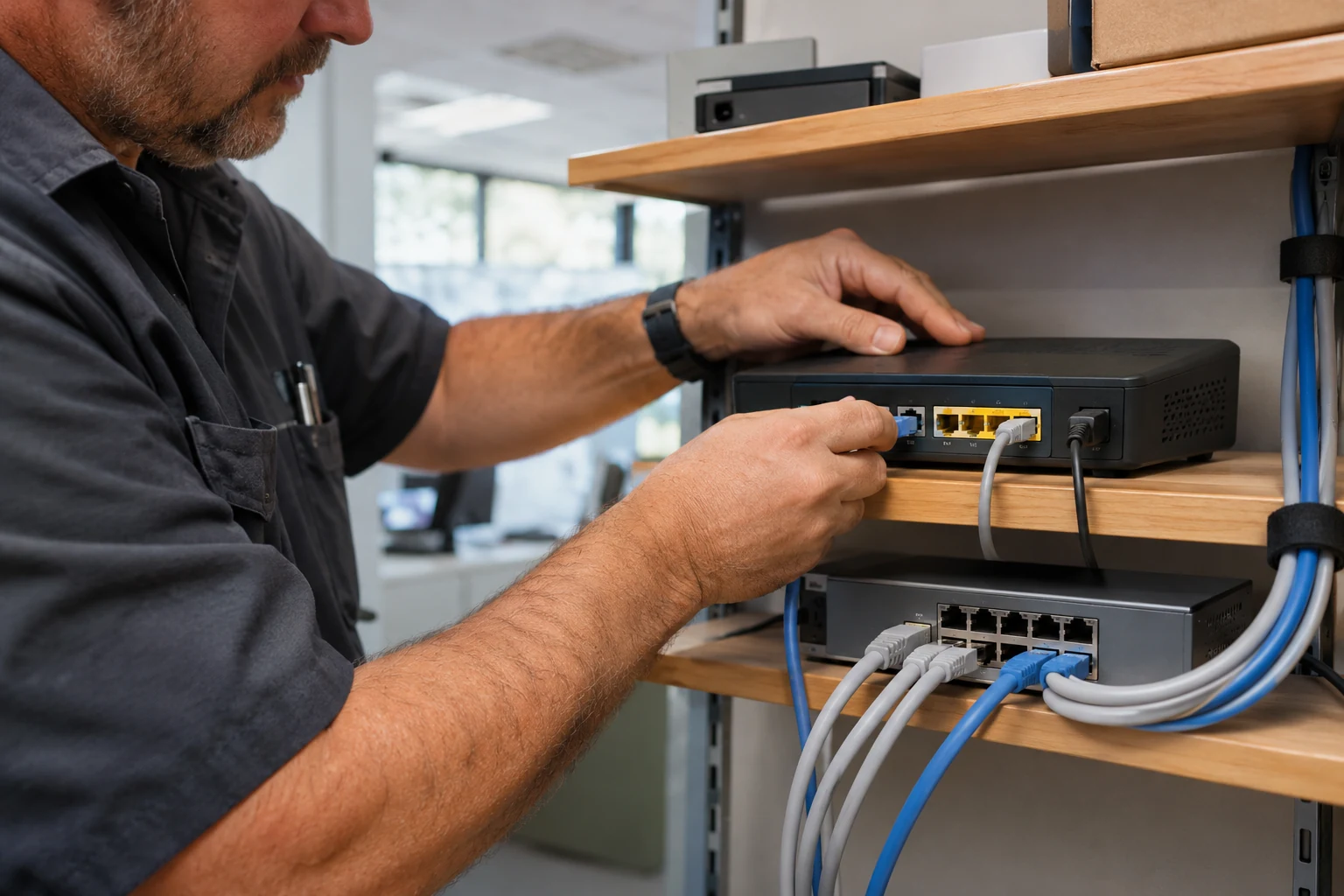
Make a simple inventory of the modem, router, switches, and wireless equipment. If a second router is present, establish its intended role before disconnecting it or changing settings. An undocumented device makes it harder to tell which equipment controls the connection.
Review changes with the responsible provider
Share timestamps and observations with your IT team and internet provider. They can review the relevant logs, configuration, and service status. Preserve the current configuration and agree on a maintenance window before firmware changes, resets, or a replacement that could interrupt the business.
Validate a repair beyond the first reconnect
After approved work, test the affected business applications and observe whether the original failure returns. Cartennas can provide onsite inspection, approved equipment work, and testing alongside the remote team. Keep an owner and next action assigned if a carrier or vendor investigation remains open.
Answers grounded in the work businesses need done onsite.