Product identity
Manufacturer SKU, MPN, and model information
Use the manufacturer’s SKU, MPN, model identifier, or configuration code to match the exact equipment and variant.
Cisco Room Bar
- Manufacturer identifier
- CS-BAR-T-K9
- Variant
- First Light with table-stand Room Navigator
- Region
- US catalog
- Verified
- Official source
- Manufacturer verification
- Manufacturer identifier
- CS-BAR-W-K9
- Variant
- First Light with wall-mount Room Navigator
- Region
- US catalog
- Verified
- Official source
- Manufacturer verification
- Manufacturer identifier
- CS-BAR-T-C-K9
- Variant
- Carbon with table-stand Room Navigator
- Region
- US catalog
- Verified
- Official source
- Manufacturer verification
- Manufacturer identifier
- CS-BAR-W-C-K9
- Variant
- Carbon with wall-mount Room Navigator
- Region
- US catalog
- Verified
- Official source
- Manufacturer verification
- Manufacturer identifier
- CS-BAR-NR-K9
- Variant
- First Light, no radio, with table-stand Room Navigator
- Region
- US catalog
- Verified
- Official source
- Manufacturer verification
- Manufacturer identifier
- CS-BAR-MM-K9
- Variant
- Radio MM with table-stand Room Navigator
- Region
- US catalog (MM)
- Verified
- Official source
- Manufacturer verification
- Manufacturer identifier
- CS-BAR-MM-NR-K9
- Variant
- No Radio MM with table-stand Room Navigator
- Region
- US catalog (MM)
- Verified
- Official source
- Manufacturer verification
- Manufacturer identifier
- CS-BAR-K9++
- Variant
- TAA Radio with table-stand Room Navigator
- Region
- US / TAA
- Verified
- Official source
- Manufacturer verification
- Manufacturer identifier
- CS-BAR-NR-K9++
- Variant
- TAA No Radio with table-stand Room Navigator
- Region
- US / TAA
- Verified
- Official source
- Manufacturer verification
A compact room is a specific design problem
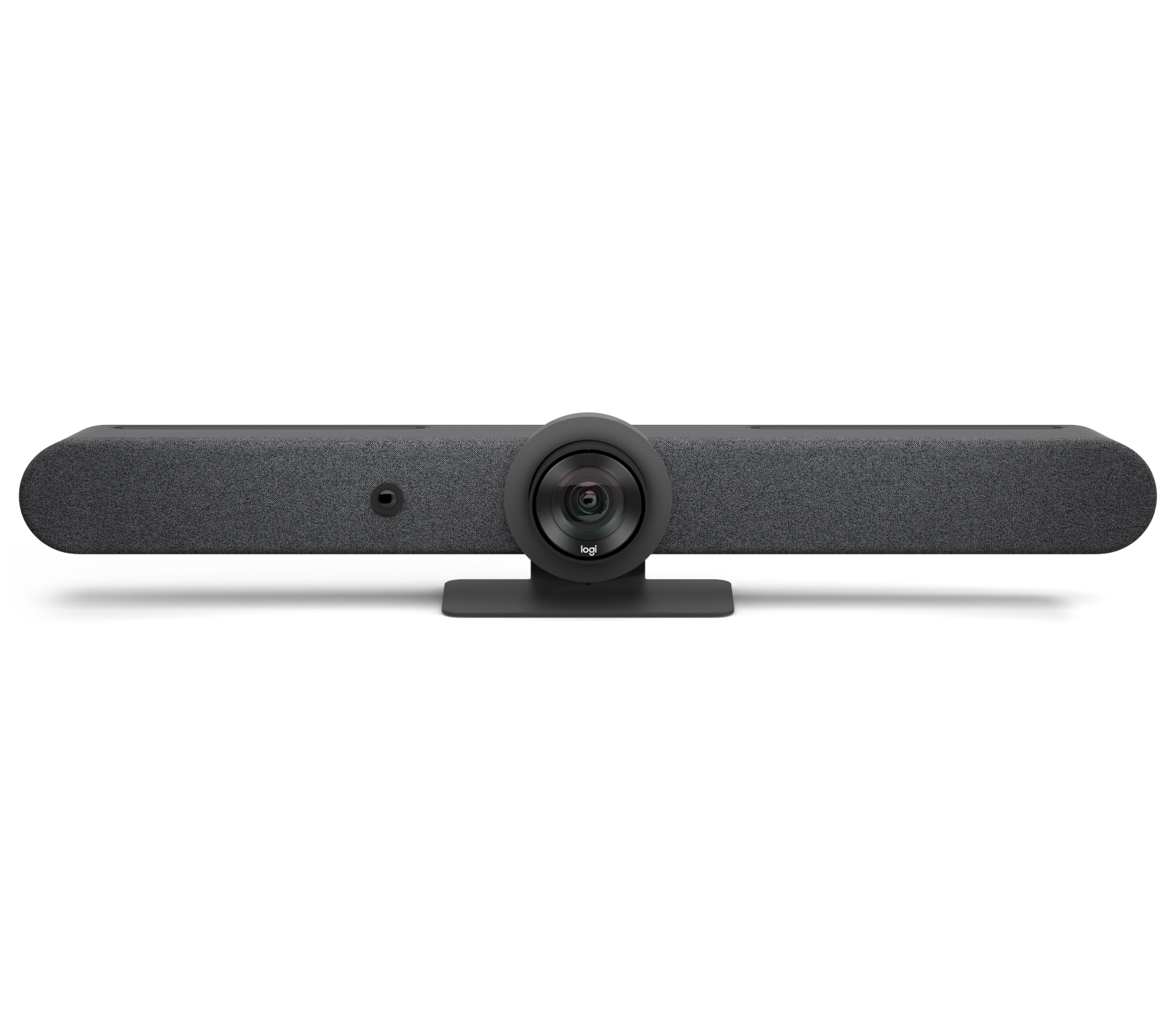
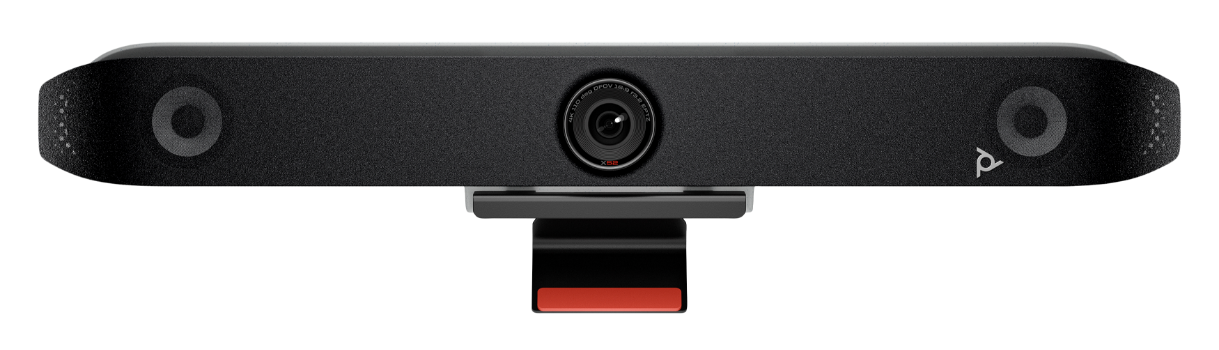
Cisco Room Bar combines a 12MP camera with a 120-degree horizontal field of view, integrated microphones and stereo speakers. The wide view is valuable where participants sit close to the display and can fall outside a narrower camera's image.
The relevant question is whether the whole discussion fits the view while faces remain useful to remote participants. A broad picture can include every chair but make distant people small. For that reason, we would prefer this bar for the compact rooms it is designed to serve, rather than extending its recommendation to a long boardroom simply because the camera can see the far wall.
Room Bar and Room Bar Pro should remain separate procurement decisions. A review of the compact unit cannot inherit another model's camera or microphone capabilities. Likewise, the Room Bar BYOD package is a different starting configuration from a complete room system: Cisco does not include a Room Navigator in that package by default.
Three deployment choices produce different meeting experiences
Cisco's current feature matrix distinguishes RoomOS, Microsoft Teams Rooms registered to Control Hub, and Teams Rooms without that registration. Native Teams is available in the Teams configurations. Native Webex joining and additional standards-based interoperability depend on the selected mode and Control Hub relationship.
That difference changes the buying conversation. A company standardizing on Teams may still receive customer meetings on Webex or Zoom. It needs to define the required guest experience before selecting registration and licensing. A meeting-brand logo on a product page does not say how content sharing, room controls or joining will behave for that invitation.
Cartennas would write the ordinary and exceptional call flows into the room design: the organization's own meeting, a partner's invitation and an unscheduled laptop-hosted call. The approved flow should identify which device hosts the meeting, how the invitation reaches the room and what the user does when the preferred join method is unavailable.
Current documentation changes how older reports should be read
In a 2023 practitioner discussion, an operator evaluating Room Bar in Teams mode described Zoom joining through WebRTC and the limitations of that guest experience. The discussion also identified USB BYOD as a useful route for a workplace using more than one meeting service.
Cisco's current matrix now distinguishes Zoom WebRTC joining in Teams alone from additional Zoom CRC capability with Control Hub registration. The older account remains useful evidence of why the join path matters, but it should not be repeated as a universal description of every current Teams configuration.
This is precisely where a synthesis review should add value. The practical concern in the operator report is valid; the recommendation must be updated using the current configuration matrix. Ask whether the organization needs the extra interoperability and will administer it, rather than buying extra capability merely because it appears on a feature list.
USB access is a designed alternative
Cisco documents camera, microphone and speaker passthrough over USB-C, with display extension requiring a computer that supports DisplayPort Alt Mode. USB access is available across the principal operating modes.
The distinction between peripheral access and display sharing is important for help-desk diagnosis. A laptop may expose the camera and audio while failing to send a picture through a host port or cable path that does not support the necessary display function. Calling that a failed video bar skips the actual compatibility boundary.
Cisco also documents a specific Room Bar audio dependency: without a connected HDMI display, or when presentation selection is set to Manual without sharing the laptop screen, selecting the bar as the laptop speaker can still produce no audible output. The laptop audio travels with the DisplayPort Alt Mode presentation path. That is a concrete reason to validate display sharing and audio together rather than treat USB enumeration as the complete guest test.
A visitor-friendly room needs an accessible, tested cable path and a short device-selection process. It should also return cleanly to its room identity afterward. Evaluate guest access using the laptops people actually bring, including the corporate docking arrangement if users are expected to connect through it.
Management is the reason to choose beyond the optics
Room Bar's broader value is strongest when the organization will use centralized management and consistent room controls. Registration determines more than inventory visibility: it participates in the meeting capabilities described above. That creates a reason to involve the team administering the room service before equipment is ordered.
We would select Room Bar for a small-room fleet needing that managed experience and a deliberate mix of native and guest calls. A basic laptop-only room may gain less from a full room bundle. A room requiring complex audio coverage or presentation control needs a wider design comparison.
The purchase should leave the user with one clear normal way to join and one understandable exception path. When that is achieved, the bar's flexibility reduces friction. When every supported mode is exposed without an operating decision, flexibility becomes another thing a meeting organizer has to troubleshoot.
Onsite installation support
Need help installing or replacing the Room Bar?
Cartennas provides onsite installation, replacement, mounting, cabling, and Smart Hands support for business collaboration and AV equipment across the United States.
Request Installation SupportCartennas assessment
Cisco Room Bar is a strong small-room choice when its deployment mode matches the organization's actual invitations. Select registration, controller and guest access together; the camera specification alone does not define the experience.
Cartennas analysis combining manufacturer specifications and compatibility documents with the dated firsthand evidence described in the review. Review methodology. Cartennas provides product procurement and onsite services. Product review terms.
Official manufacturer information
Confirm the exact model, specifications, licensing, warranty, and support terms directly with the manufacturer.
- Cisco: Room Bar data sheet and feature availability matrix
- Cisco: Laptop calling through Cisco devices
- Cisco: Administration of Room Bar BYOD
Product information was checked on September 5, 2026. Specifications, licensing, warranty, availability, and pricing can change.