Product identity
Manufacturer SKU, MPN, and model information
Use the manufacturer’s SKU, MPN, model identifier, or configuration code to match the exact equipment and variant.
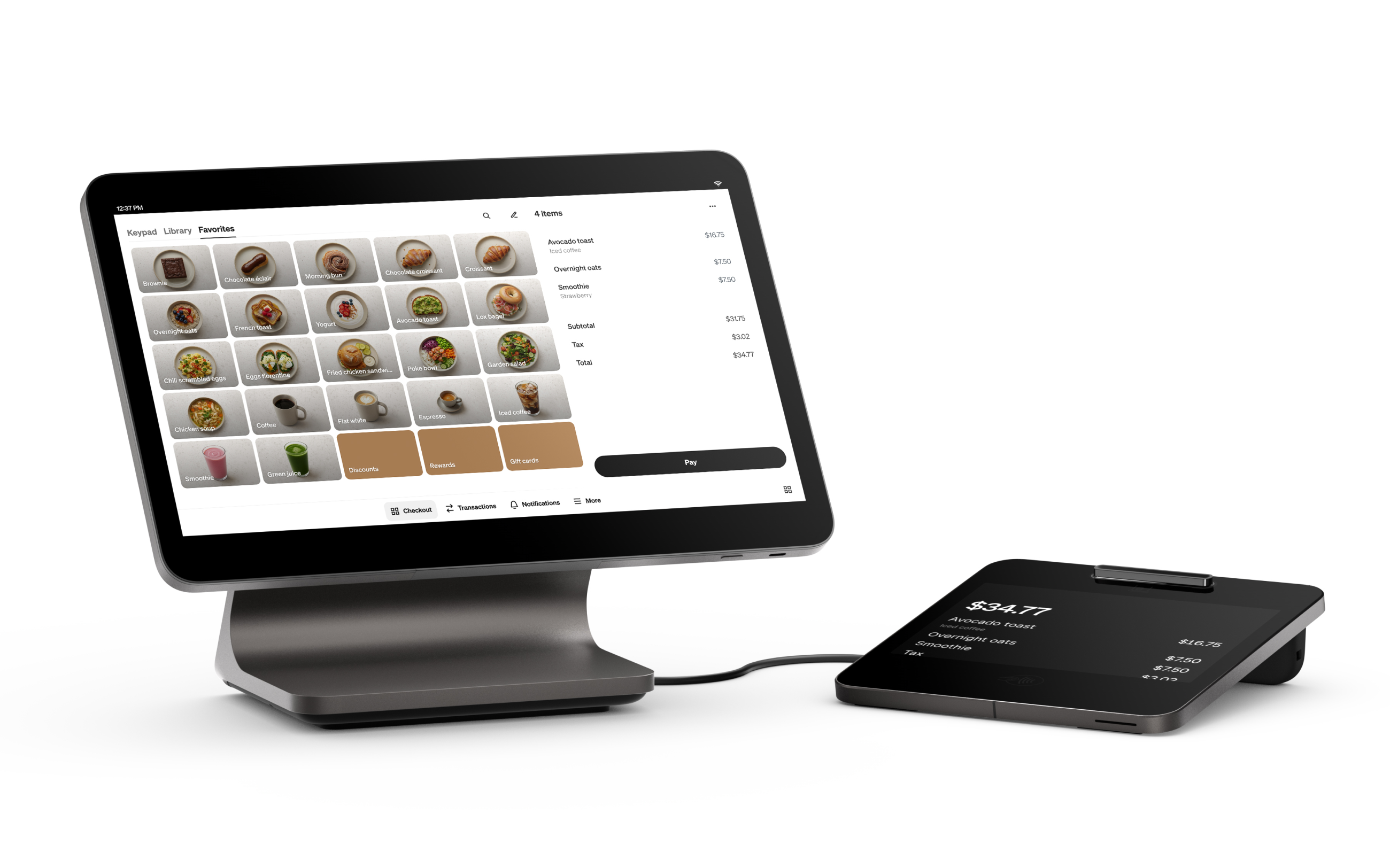
Toast Flex 3
- Manufacturer identifier
- TT300
- Variant
- Toast Flex 3, 14-inch terminal/display model
- Region
- US
- Verified
- Official source
- Manufacturer verification
Evaluate the station, not the screen
Cartennas would approach Flex 3 as a change to a working restaurant station. The screen is the visible component, but the station may also supply a card reader, customer display, receipt printer, cash drawer and network connection. Replacing one component can alter how the others receive power or exchange data.
The strongest buying case is a Toast restaurant that needs to replace an aging terminal or improve the physical arrangement while retaining a familiar operating platform. A hardware refresh is less useful when the real problem is an unsuitable menu structure, order-routing configuration or unsupported integration. Those problems need to be identified separately.
The printer can be a hub and a dependency
Toast's Flex 3 installation guide identifies the TT300 display, TGD300 guest display and TP300 Printing Hub. With the supported connection, the Printing Hub can provide the terminal's USB Power Plus link and internet path. That creates a tidy installation, but also makes the hub and its power state part of the terminal's service path.
For a counter with frequent cleaning or cable movement, fewer separate runs can be useful. For fault recovery, the operator must understand what is connected through the printer before switching it off or substituting another unit. A device described as a receipt printer may be doing more than printing receipts.
Partial upgrades have specific limits
Toast's compatibility guidance allows a TP200 printer to power a Flex 3 terminal, but the USB connection carries no peripheral data in that arrangement. Networking requires the separate RJ45 connection. A reader, scanner or scale previously connected through the TP200 must move to a supported connection on the new terminal or hub.
The reverse combination also has a condition: a TP300 Printing Hub attached to an older Flex 14 needs the supported Printing Hub Adapter for the documented combined power and networking functions. This means a printer replacement and a terminal replacement can require different accessory purchases.
Cartennas would map the existing connections before deciding that a partial upgrade is cheaper. Preserving a working printer can save money, but only if the remaining ports and cables support the station's actual devices.
| Combination | Material limitation |
|---|---|
| Flex 3 with TP200 | USB supplies power only; use a separate Ethernet path and relocate USB peripherals. |
| Older Flex 14 with TP300 | Use the supported adapter for the documented combined power and networking functions. |
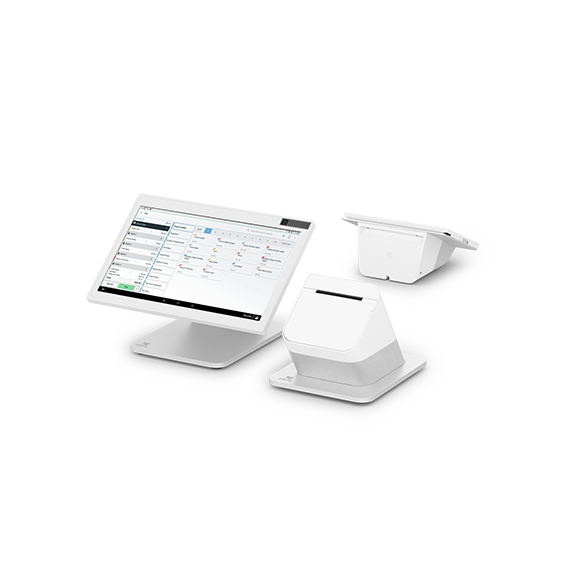
| Flex 3 with an older guest display | Guest displays do not cross between these terminal generations. |
An operator's replacement problem explains the risk
An operator receiving a TP300 replacement for an older Flex terminal reported that the supplied instructions focused on Flex 3 and did not resolve the installation. Other participants described separate power and Ethernet arrangements and pointed to Toast's upgrade guidance.
The report concerns a mixed-generation station, not a failed Flex 3 terminal. Its value is the mismatch between a component being shipped and the installer having the complete supported connection plan. Current manufacturer guidance identifies the adapter path, so an older forum suggestion should not silently become the standard for every new installation.
For procurement, the lesson is concrete: the replacement order should identify what stays in place and what changes. A technician cannot infer that plan reliably from a box containing a newer printer.
Power and mounting need exact parts
Toast specifies a 100W adapter for the TP300 and a 65W adapter for Flex 3, and warns against assuming power adapters are interchangeable. It also documents mounting options, including compatible 75×75 VESA arrangements for the display. The physical location and the selected mounting kit are part of the hardware configuration.
A plug that fits is not sufficient evidence of the correct supply or function. Likewise, a mount that accepts the screen still needs to place it where staff can read and operate it without interfering with preparation or service. Cartennas would evaluate the assembled station in its intended position, including access to the connections that may need service later.
A complete upgrade can simplify operations
A new Flex 3 station paired with its intended hub and guest display can be easier to standardize than several different combinations spread across a restaurant. That consistency can reduce the number of spare cables and connection arrangements staff must understand. It has a real value when the same support team works across multiple locations.
A complete replacement is not automatically the best value. Toast documents ways to retain selected printers, cash drawers and other equipment. The economical decision compares the supported partial configuration with the complete new station, including installation labor and future service effort.
The final acceptance should follow an order through the station: entry, any guest interaction, payment, required printing and the related kitchen or fulfillment action. A terminal reaching its home screen establishes only one part of that process.
Onsite installation support
Need help installing or replacing the Toast Flex 3 (TT300)?
Cartennas provides onsite installation, replacement, peripheral setup, cabling, and Smart Hands support for point-of-sale technology across the United States.
Request Installation SupportCartennas assessment
Flex 3 is a sensible Toast refresh when the complete station is specified correctly. The deciding details are peripheral data paths, compatible displays and supported power components. Retain existing equipment where the documented combination serves the restaurant; replace the full station when standardization and simpler support justify the additional hardware.
Cartennas analysis of manufacturer documentation and published merchant and technician reports. Hardware-generation and workflow limits are identified in the review. Review methodology. Cartennas provides product procurement and onsite services. Product review terms.
Official manufacturer information
Confirm the exact model, specifications, licensing, warranty, and support terms directly with the manufacturer.
- Toast: Flex 3 installation guide
- Toast: Flex 3 hardware compatibility
- Toast: Older hardware upgrade guide
Product information was checked on September 5, 2026. Specifications, licensing, warranty, availability, and pricing can change.