
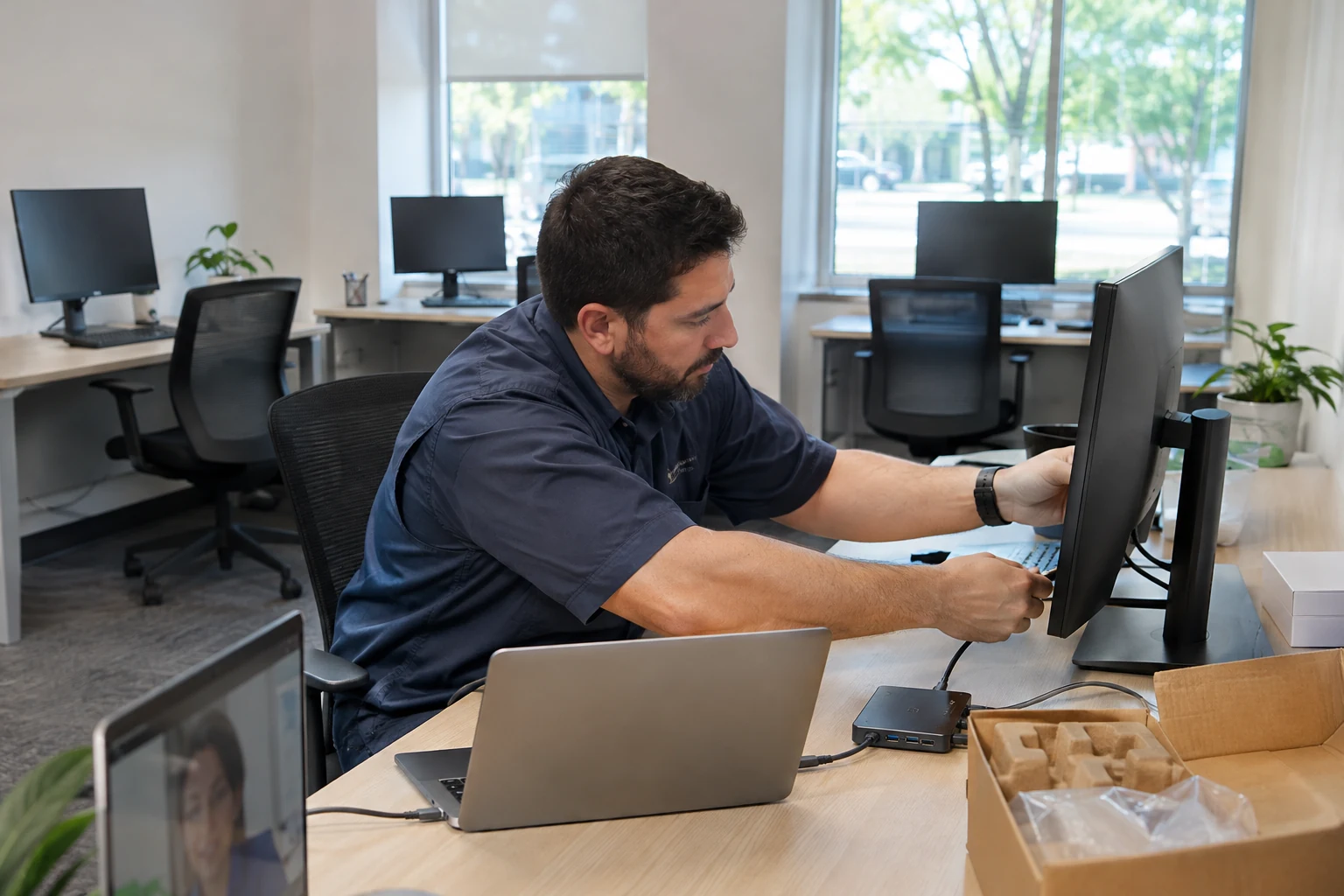
Opening a practice involves more than connecting ten computers. The important early decisions concern how staff access their work, who maintains the environment, and what happens when equipment or a service fails.
Start with the applications and responsibilities
Ask the application vendors for their current requirements and decide who will support each part of the environment. Document staff roles, required devices, printing, connectivity, and recovery needs. Have the practice’s appropriate advisers address its compliance obligations alongside the technical planning.
Do not buy a server just because the office has employees
Have the responsible IT provider assess whether the applications and identity arrangement need an onsite server. Size any required equipment against vendor requirements, recovery expectations, and supportability. Employee count alone is not a hardware specification.
Prepare the site for installation
Confirm internet service, cabling, power, delivery dates, and access. Approve the equipment list and configuration before the onsite appointment. Cartennas can install and connect approved equipment, set up workstations within scope, and work with the remote engineer during testing.
Plan the first week and the months after it
Test the workflows employees will use and document remaining issues before opening. Agree who handles account changes, updates, backups, and support requests afterward. A successful installation is the beginning of that operating arrangement.
Answers grounded in the work businesses need done onsite.