
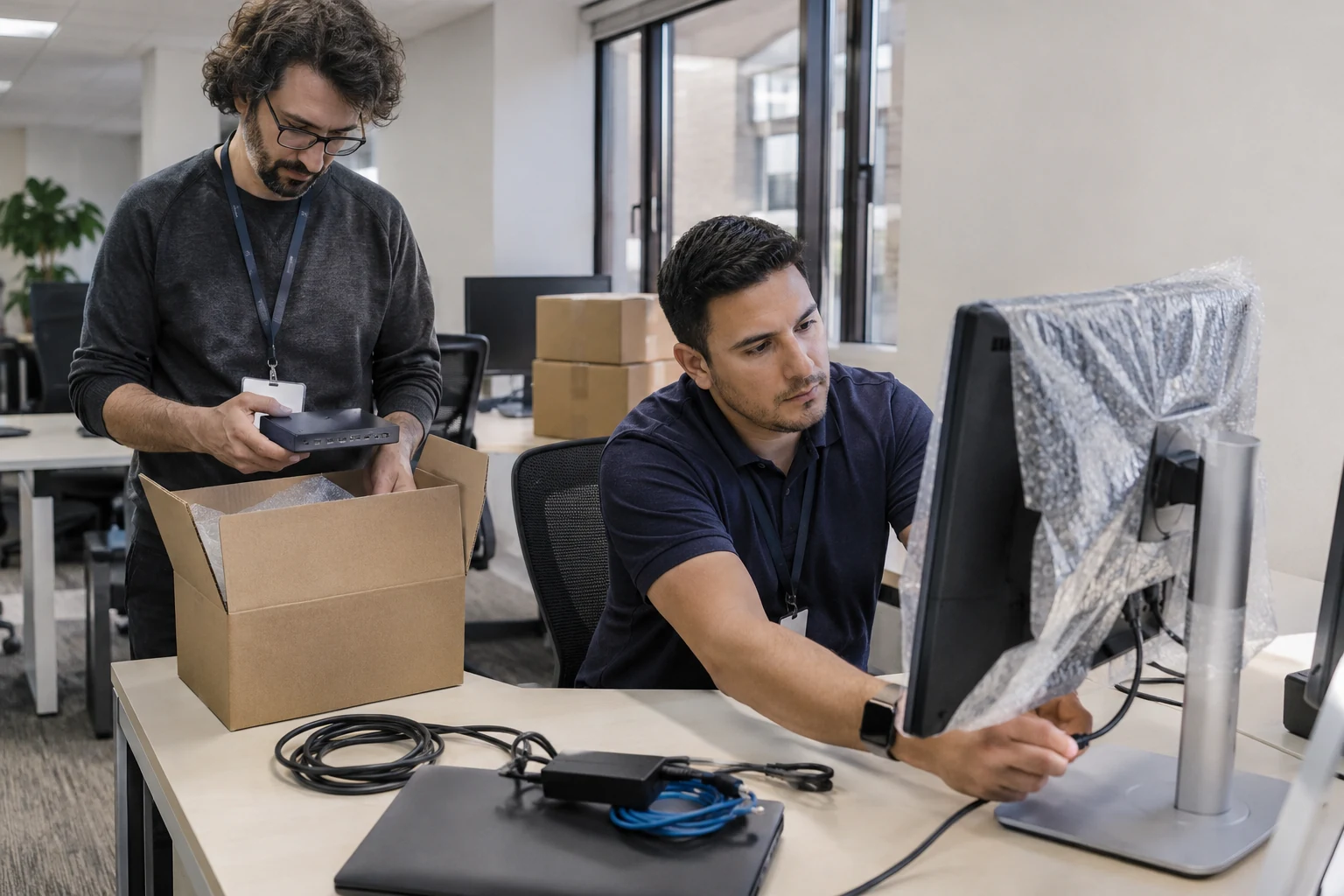
A desk move looks simple until an employee cannot find the right dock, monitor cable, or network connection. The work goes more smoothly when the moving plan includes the complete workstation and a clear handoff.
Inventory the workstation
Record the computer, dock, monitors, power supplies, peripherals, and destination. Label equipment and cables so items arrive together. Identify devices with special connections or business functions that need extra care before unplugging anything.
Confirm the destination is ready
Check desk placement, power, network access, and any required peripherals in advance. A workstation cannot be completed if a needed connection is missing. Assign building and furniture issues to the responsible team before the technical appointment.
Coordinate transport and reconnection
Agree who disconnects the equipment, who physically transports it, and who reconnects it. Confirm timing so the technician has access after the desk is ready. Cartennas can carry out the agreed onsite technical tasks and coordinate with your IT contact.
Test with the employee’s work in mind
Check displays, network access, and the business applications or peripherals covered by the assignment. Record anything that still needs attention and identify its owner. Closing the move should mean the agreed functions were tested, not simply that the computer powers on.
Answers grounded in the work businesses need done onsite.