
Cartennas
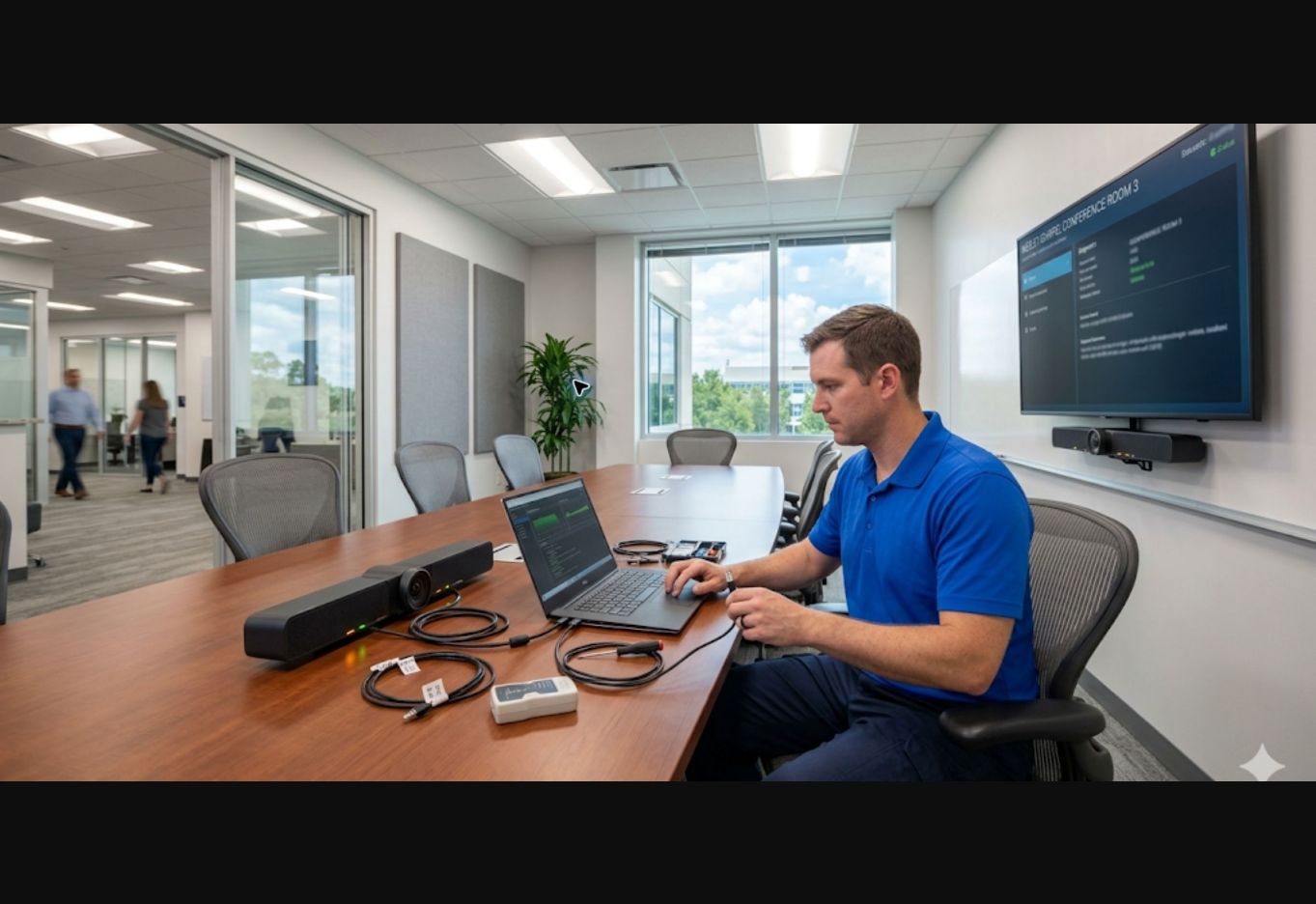
Cartennas technician setting up computers and network equipment in a corporate office

Offices onsite IT support

Corporate offices and SMB onsite IT support

Cartennas helps businesses support office environments with reliable onsite IT services when remote support is not enough, from one office to distributed headquarters, regional, and satellite locations.

  • Workstation setup
  • Hardware swaps
  • Office networks
  • Conference technology
  • Structured cabling
  • Openings and relocations

Industry overview

Onsite IT support for corporate offices and smb environments

Office environments still need onsite IT support. Cartennas helps businesses complete workstation setup, hardware replacement, network equipment installation, structured cabling, guided Smart Hands tasks, deployment projects, and break/fix visits at the office.

Many office IT issues cannot be solved remotely. A new employee may need a workstation ready before day one. A failed monitor, laptop, dock, or printer may need replacement. A switch, router, firewall, or access point may need installation or a conference room may require onsite troubleshooting.

Cartennas gives businesses a practical way to get the work completed without hiring full-time onsite technicians for every location. The model works for single-office SMBs, growing companies, headquarters, branch offices, and distributed workplaces.

Office environments supported

  • Single-office SMB environments
  • Headquarters and administrative offices
  • Regional and satellite offices
  • Remote workplaces
  • Growing multi-office companies
  • Distributed corporate footprints

Common office technology needs

  • Employee workstation and peripheral setup
  • Hardware replacement and refreshes
  • Network equipment installation
  • Conference-room technology support
  • Structured cabling, patching, and labeling
  • Office openings, moves, and reconfigurations

Onsite support capabilities

Core onsite support for corporate offices and SMBs

Cartennas supports office technology from employee devices and shared spaces to network closets and multi-location projects.

Smart Hands

Complete guided troubleshooting, equipment checks, power cycling, patching, labeling, cable tracing, and other tasks directed by remote IT.

Network equipment installation

Install, replace, mount, connect, and verify routers, switches, firewalls, wireless equipment, and related office network hardware.

Hardware swaps

Replace desktops, laptops, monitors, docking stations, printers, peripherals, and other workplace devices that fail or require refresh.

Structured cabling

Support cable runs, patching, labeling, terminations, cleanup, and infrastructure work tied to office changes and device deployments.

Deployment services

Provide onsite execution for new offices, reconfigurations, moves, refreshes, and equipment standardization across one or many locations.

Break/fix support

Troubleshoot office technology and local infrastructure when remote support cannot resolve the issue without onsite assistance.

Common onsite work

Common office use cases

  • New employee workstation setup
  • Laptop, desktop, monitor, dock, and printer replacement
  • Office openings, expansions, and relocations
  • Desk moves and office reconfiguration
  • Router, switch, firewall, and access-point installation
  • Local connectivity and hardware troubleshooting
  • Conference-room and shared-space support
  • Cabling, patching, and labeling
  • Office refreshes and deployment projects
  • Technology standardization across offices

Why Cartennas

Why businesses use Cartennas for office environments

Support without full-time field staff

Use a flexible onsite model for intermittent needs instead of carrying permanent technicians at every office.

Help lean IT teams do more

Extend onsite capability so internal teams can support locations without repeated travel or additional field headcount.

Scale across one office or many

Use the same service model for an isolated office issue, recurring needs, and coordinated multi-office projects.

Frequently asked questions

Questions about corporate offices and smb onsite it support

Final availability, timing, and pricing depend on the location, approved scope, access, equipment, and service requirements.

What onsite IT work does Cartennas support for corporate and remote offices?

Typical work includes troubleshooting, installations, device swaps, Smart Hands, network equipment support, cabling, and project activity involving workstations, printers, peripherals, conference systems, network equipment, wireless hardware, and cabling.

Can Cartennas support both a single location and a national footprint?

Yes. Customers can request work at one site or coordinate approved service across regional and nationwide locations through the same service organization.

Can service be planned around operating hours and site access rules?

Yes. Include the service window, access requirements, escort rules, onsite contact, and any location-specific restrictions with the request so the visit can be planned correctly.

Can Cartennas work with our internal IT team or managed service provider?

Yes. Cartennas provides onsite IT support while the customer or authorized technology partner retains technical ownership, standards, and remote direction.

Start a conversation

Office support that matches how businesses operate

Cartennas helps businesses support corporate offices and SMB environments through Smart Hands, network equipment installation, hardware swaps, structured cabling, deployment services, and break/fix response.

Use Cartennas for one office, a growing regional footprint, or distributed workplace support across multiple markets.